
Microsoft 365 copilot
Microsoft 365 Copilot: Built for Everyday Work
From licensing to rollout, training and ongoing support, we help organisations across Asia-Pacific make Copilot part of everyday work.
View Microsoft 365 Copilot on Microsoft ↗
What Microsoft 365 Copilot Can Do
Copilot brings AI into the Microsoft 365 apps you already use so you can find information, draft content and move work forward without switching tools.
Copilot Chat and CoworkAsk questions, draft content, and hand off complex, multi-step work grounded in your work context | Copilot Search | Find information across your work content and applications using plain language |
Agents | Copilot Notebooks | Bring files, chats and meeting notes together for focused analysis |
Copilot Create | Turn ideas and existing material into new content using AI-assisted creation tools | Microsoft 365 AppsCapabilities vary according to licensing, configuration, market availability and Microsoft product updates |
Use Copilot in Word, Excel, Teams, Outlook and PowerPoint
Copilot works inside the apps your teams already use, helping you spend less time finding information, preparing first drafts and catching up on everyday work.
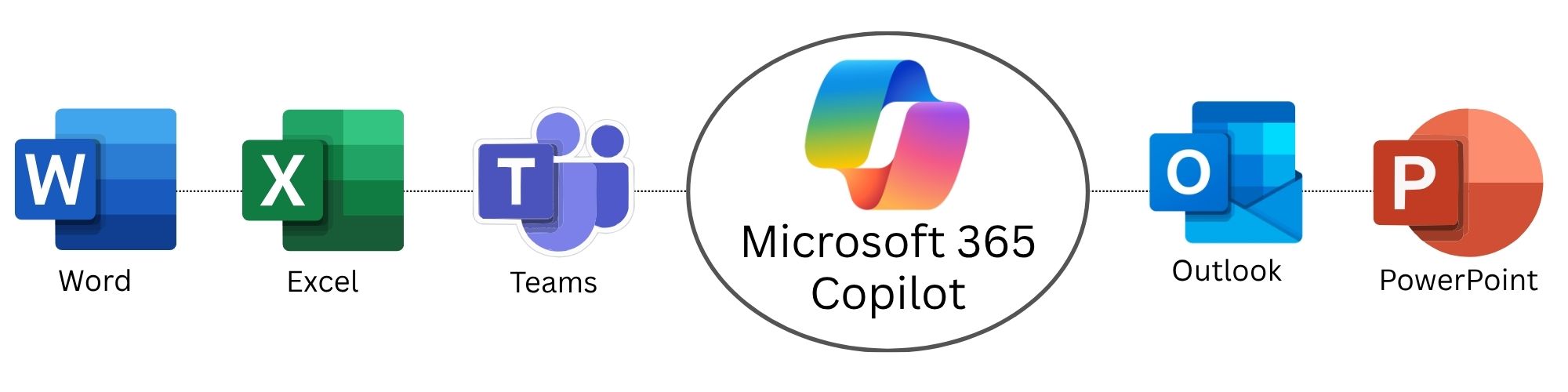
Word | Draft, revise and summarise documents using prompts and existing content | ExcelExplore your data, identify patterns and support analysis. |
TeamsCatch up on meetings and conversations, capture decisions and organise follow-up. | OutlookDraft emails, summarise conversations and identify important actions. | PowerPointCreate and refine presentations using prompts, documents and existing material. |
How Copilot Uses Your Work Context
Copilot is powered by Work IQ, Microsoft's workplace intelligence layer. Work IQ connects your work data, context and tools so Copilot and agents can provide responses and actions relevant to your work.
This can include information from files, emails, meetings, chats and other sources available through your Microsoft environment.
Your Copilot experience depends on well-managed information, appropriate permissions and effective governance.
Explore Microsoft 365 Copilot and Work IQ ↗ | Information | Your work information and organisational content |
Context | Your role, relationships, activities and current work | Tools |
Microsoft 365 applications, business systems and approved agents
Copilot Use Cases Across Your Teams
Copilot use cases should reflect the work each team actually does. Starting with familiar, repeatable tasks makes it easier for people to see where Copilot helps and where their own judgement still leads.
Executives | Prepare briefings, summarise business information, build presentations | Finance |
Explore financial data and spot patterns across spreadsheets and reports | Sales and Customer Service | Draft communications, summarise customer conversations and follow-ups |
Human Resources | Draft policies, job descriptions, onboarding material and internal comms | Operations |
Summarise meetings, organise information, coordinate across teams | Marketing | Produce first drafts, campaign ideas, presentations and content summaries |
From Readiness to Adoption Across Asia-Pacific
We help you assess readiness, choose the right licences, prepare your Microsoft environment and roll out Copilot with training suited to each team. Our regional specialists support adoption across Asia-Pacific and continue working with you after launch.
Explore Implementation and Migration Services →Explore Application Management Services → | ACCESS Review licensing, applications, data access, security and readinessPRIORITISE Identify high-value use cases for specific teams and roles |
PREPARE Address permissions, governance, technical prerequisitesPILOT Roll out to selected users with role-based training and support |
EXPAND Review adoption, refine practices and extend across the organisation
Security, Privacy and Governance
Microsoft 365 Copilot operates within Microsoft's enterprise security, privacy and compliance framework and works within the identities, permissions and controls already applied across your Microsoft environment.
Data Protection Microsoft provides enterprise data protection for eligible Microsoft 365 Copilot experiences.
Permission-Aware Access Copilot works within the access permissions applied to your organisational information.
Administrative Controls Your IT teams can manage Copilot availability, policies, agents and organisational access.
Copilot respects existing permissions, but it does not correct excessive or poorly managed access. We review your environment before deployment so exposure risks surface early, not after rollout.
Read Microsoft’s Copilot Data, Privacy and Security Guidance ↗
Microsoft 365 Copilot Licensing
Microsoft offers different Copilot plans and purchasing options depending on your existing subscriptions, required capabilities and how you intend to use Copilot and agents. As a Tier-1 Microsoft Cloud Solution Provider, we can help you confirm prerequisites, compare available options, procure licences and manage them as your requirements change.
Learn About Microsoft Licensing and CSP Services →View Microsoft 365 Copilot Plans and Pricing ↗ |
Extend AI Into Business Operations
Microsoft 365 Copilot supports everyday work across Microsoft 365. PRIME AI agents bring AI into defined operational processes across your ERP and connected business systems, such as sales, procurement, orders, inventory, production and finance. PRIME agents run on the same Microsoft platform as Microsoft's own agents and add operational workflows to Microsoft's standard agents.

Explore PRIME AI Agents →
Frequently Asked Questions
What is Microsoft 365 Copilot?Microsoft 365 Copilot brings AI into the Microsoft 365 apps you already use, including Word, Excel, PowerPoint, Outlook and Teams. It helps you find information, draft content and move work forward without switching tools. | Does Copilot respect our existing permissions?Yes. Copilot works within the access permissions applied to your organisational information. It does not correct excessive or poorly managed access, so we review your environment before deployment to surface exposure risks early. | What do we need before rolling out Copilot?Start with Microsoft 365 readiness, permissions, data governance and the right licences. We review licensing, applications, data access and security, then pilot with selected users and role-based training before expanding. |
Can you help with Copilot licensing?Yes. As a Tier-1 Microsoft Cloud Solution Provider, we help you confirm prerequisites, compare Copilot plans, procure licences and manage them as your requirements change. | How is Microsoft 365 Copilot different from PRIME?Microsoft 365 Copilot supports everyday work inside Microsoft 365. PRIME AI agents automate defined operational processes across your ERP and connected systems. PRIME agents run on the same Microsoft platform as Microsoft's own agents and add operational workflows to Microsoft's standard agents. |
Start Your Microsoft 365 Copilot Adoption
Whether you are assessing Microsoft 365 Copilot for the first time or expanding a deployment, we can help you assess readiness, set governance, choose priority use cases and support adoption.
Eligible engagements may qualify for Microsoft funding, subject to Microsoft’s criteria and approval.
Microsoft Partner Recognition | Projects Delivered |