
Microsoft power platform
Microsoft Power BI Consulting and Reporting
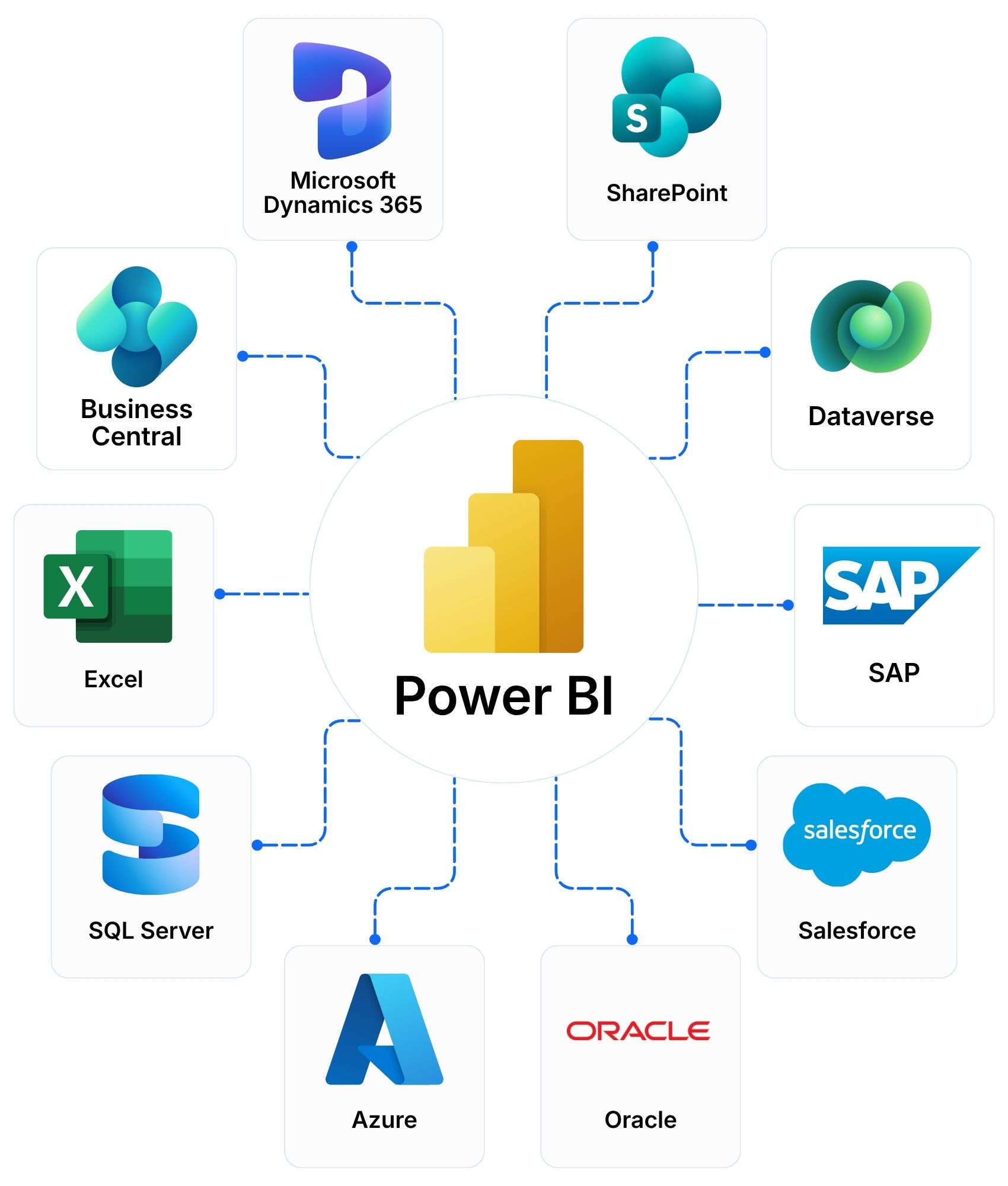
Microsoft Power BI turns business data into interactive reports and dashboards. It brings together information from your ERP, CRM, spreadsheets and other systems. Teams see one trusted view of performance and act on it. We design, build and integrate Power BI reporting with Dynamics 365 and your existing systems. We are your Power BI implementation partner across Asia-Pacific, from design to ongoing support.
Dashboards • Reports • Data Models • Secure Sharing
From Data to Decisions with Power BI
Useful reporting starts long before a chart appears. We connect your data, prepare it, model it and share it securely, so people can trust the numbers.
Connect and prepare | Bring Your Data TogetherCombine information from every source and clean it for analysis. | Build a Trusted Data ModelCreate relationships between business data so every report uses the same logic. |
Reports and DashboardsReveal trends, patterns and opportunities in interactive reports. | Secure Sharing and GovernanceDeliver trusted information to the right people. | Workspaces that separate teams and content |
Answer the Questions That Matter Most
Every department needs timely, accurate information. Once data is connected, teams and executives see performance, spot trends and respond when conditions change.
Sales PerformanceMonitor revenue, opportunities and sales trends. | Financial PerformanceTrack profitability, cash flow and budgets. | Inventory and Supply ChainMonitor stock levels and supplier performance. |
Customer BehaviourUnderstand buying patterns and engagement. | Project DeliveryMeasure progress, resources and project outcomes. | Procurement and SpendReview purchasing activity and supplier costs. |
Connect Power BI with Dynamics 365, Microsoft 365 and AI
Power BI works with the tools your teams already use. Your existing systems stay in place.
Microsoft 365 and Teams | Explore Power Automate → | Dynamics 365 and Dataverse |
Explore Dynamics 365 → | Microsoft Fabric and Azure | Copilot and AI Agents |
Your Trusted Power BI Partner in Asia-Pacific
Data modelling, report design, governance, regional rollout and ongoing support for the complete Power BI lifecycle from 11 locations.
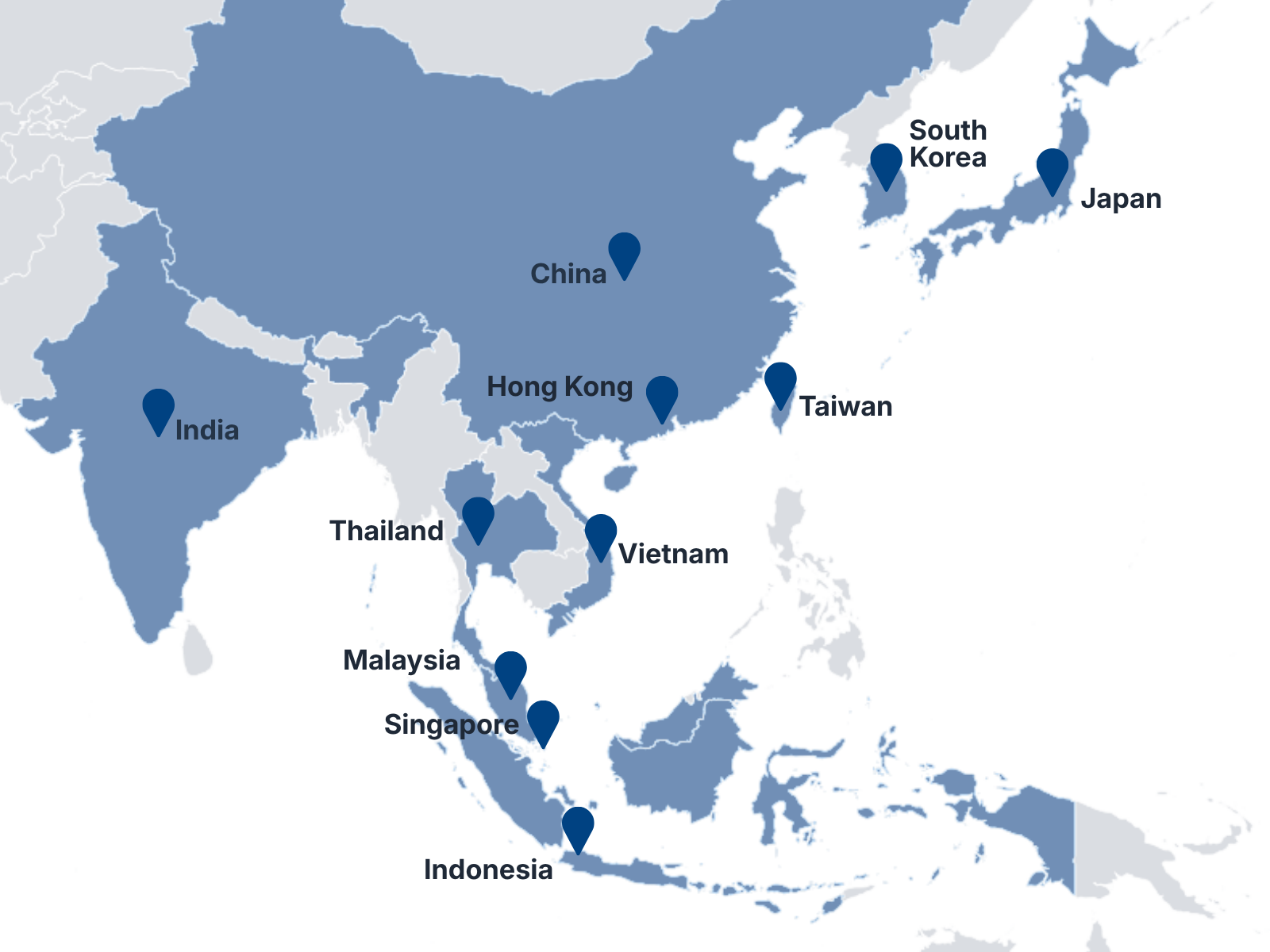
Microsoft Partner Recognition | Projects DeliveredSingapore • Malaysia • Thailand • Indonesia • Vietnam • Hong Kong • Taiwan • China • India • Japan • South Korea |
Frequently Asked Questions
What is Microsoft Power BI?Microsoft Power BI is a business intelligence platform. It connects your data sources and turns them into interactive reports and dashboards. Teams use it to track performance, find trends and make decisions. | Can Power BI connect to Dynamics 365 and our other systems?Yes. Power BI connects to Dynamics 365, Business Central, Excel, SharePoint, SQL Server, Azure and many third-party systems. We design the data model around the systems you already use. | How is Power BI different from Excel reporting?Excel works well for individual analysis. Power BI combines data from many sources and refreshes reports automatically. It also shares one trusted view with many users. The two work together, and Power BI can use your Excel data. |
Is our data secure in Power BI?Power BI controls who sees what. Access follows your Microsoft sign-in, and row-level security can limit data by user or role. We design the security around your organisation. | Do we need separate licences for Power BI?It depends on the number of users and how you share reports. Power BI offers free, Pro and Premium Per User plans, and capacity plans through Microsoft Fabric. We review your needs and recommend the right plan. | Explore Licensing and CSP Services → |
Do you support Power BI after go-live?Yes. Our Managed Services and Support cover user support, updates, enhancements and monitoring. | Explore Managed Services and Support → |
Plan Your Power BI Project
Tell us what you want to measure, where your data lives and who needs the reports. Fill in the form or email us. Our team responds within one business day and will help you identify the next step, even if your requirements are still being defined.